iPassion AI Portal
iPassion AI Portal is an enterprise AI platform for organizations that need a unified, secure, and controllable AI interface. It connects multiple AI providers — OpenAI, Google Gemini, Anthropic Claude, and local models — through a single web application with built-in knowledge management, team collaboration, and AI governance.
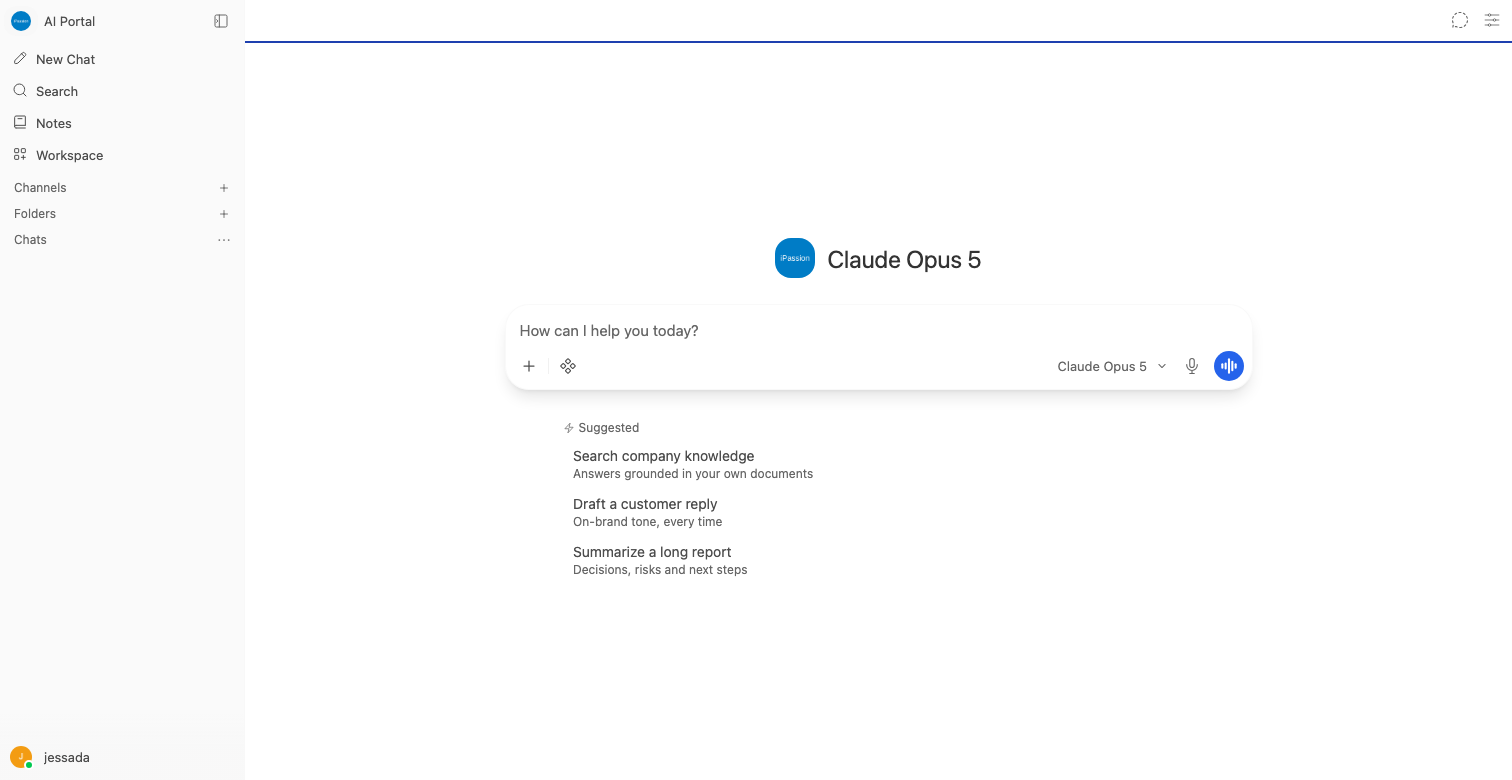
Quick Start
- Open your browser and navigate to the system URL provided by your administrator
- Sign in with your email and password
- Select an AI model from the model picker and start chatting
New to iPassion AI Portal? Read the Getting Started guide.
Getting Started
- Getting Started: Sign in, explore the interface, and have your first conversation
- User Guide: Select models, manage conversations, personalize settings, and use all features
- Administrator Guide: Manage users, groups, connections, models, and system settings
Features
- Chat & Conversation: Multi-model chat, file attachments, web search, code execution, and image generation
- Knowledge Management: Upload documents for AI-powered retrieval (RAG). Supports PDF, Word, Excel, and more
- AI Agents: Create specialized AI assistants with custom prompts, tools, and dedicated knowledge bases
- Prompt Library: Save, share, and manage reusable prompt templates across your organization
- Channels: Persistent shared spaces where teams collaborate with AI. @mention models for on-demand assistance
- Audio: Speech-to-text input and text-to-speech output
- Notes: Personal note-taking integrated with AI assistance
- AI Governance: PII detection, content filtering, and Guardrails
- Quota & Credit: Control AI usage per group and track token consumption
- Usage History: Monitor all system activities and usage analytics
- UI Customization: Customize logos, colors, and branding to match your organization's CI
Technical
- Architecture: System design, technology stack, and database schema
- Security: Authentication, SSO, RBAC, and data protection
Reference
- FAQ: Frequently asked questions
- Troubleshooting: Common issues and solutions
- API Reference: REST API documentation
- Appendix: Glossary and additional references